
Front-end development
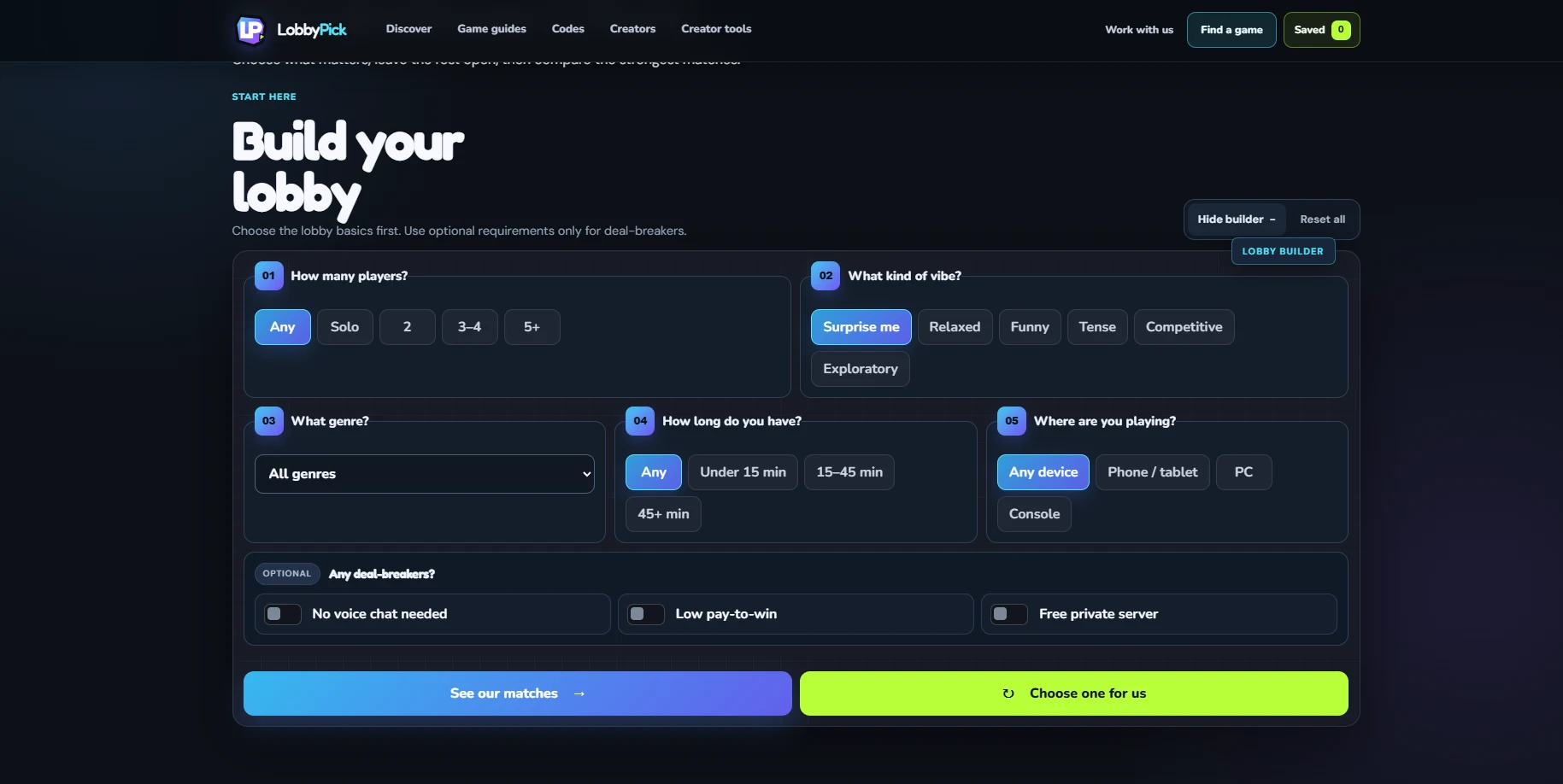
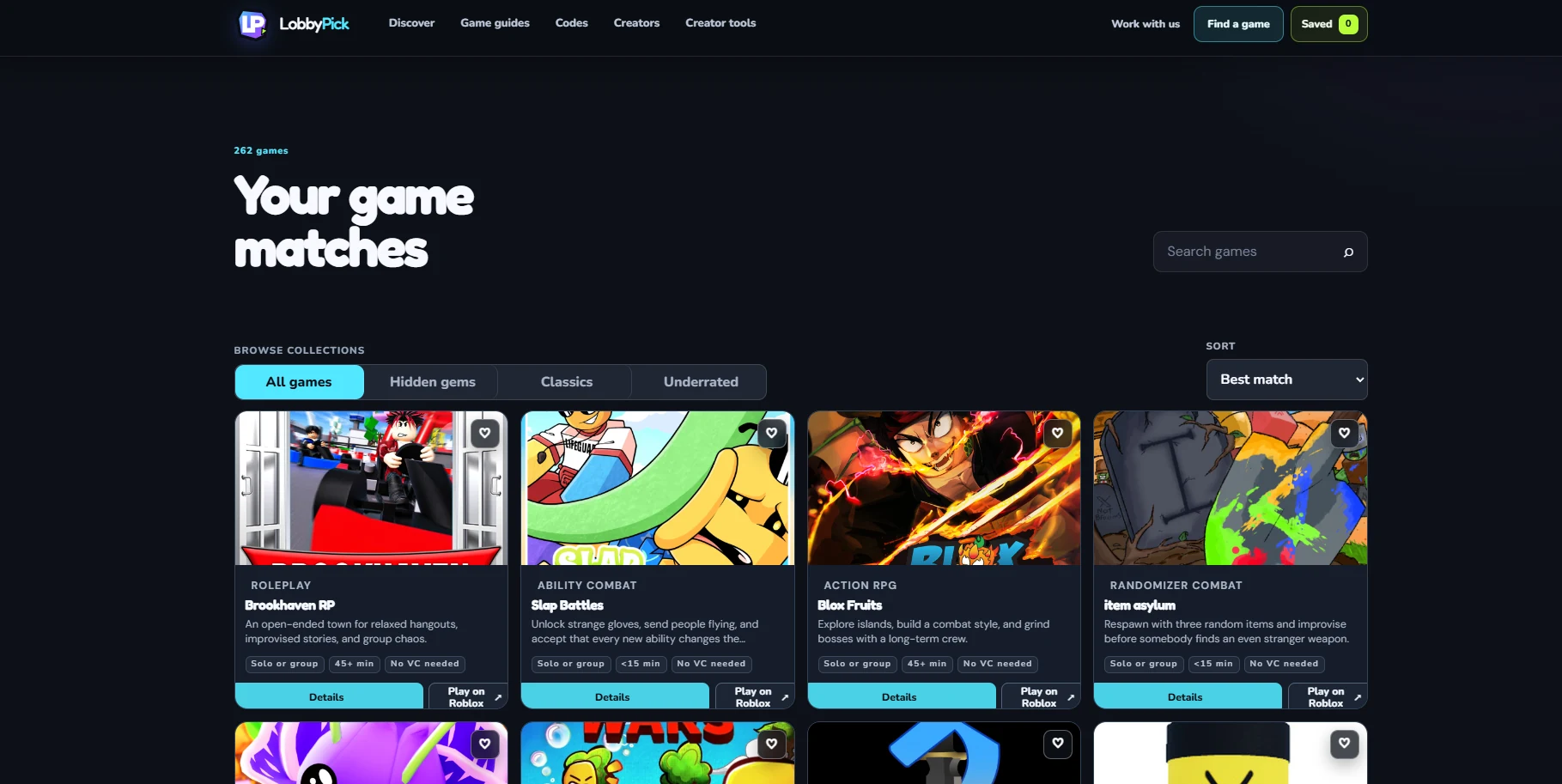
Multi-step filters, saved picks, details, sorting, and responsive layouts.
01 / LobbyPick
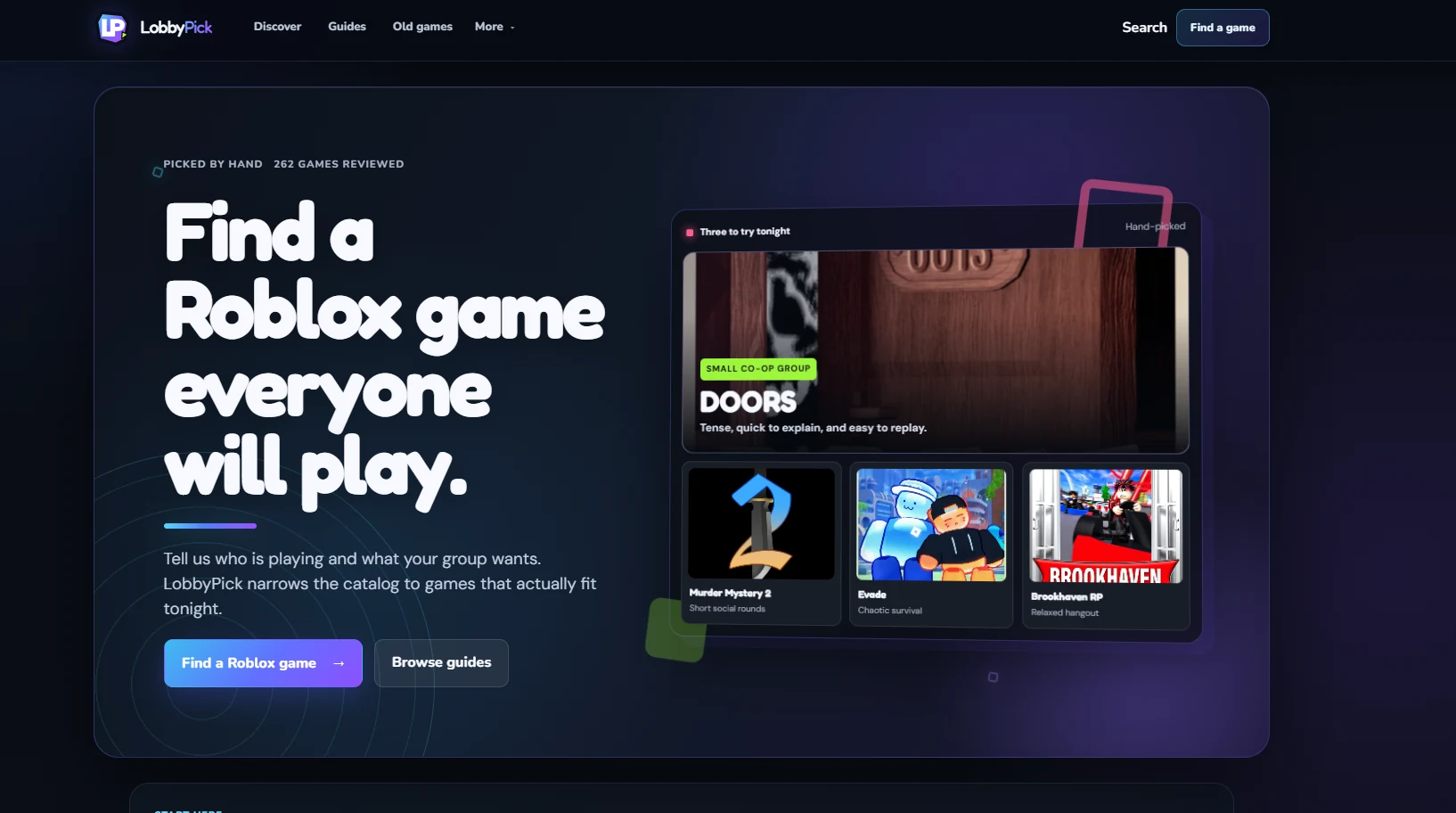
I built LobbyPick to help players find Roblox games by group size, mood, time, device, and other practical filters. The catalog currently includes 262 reviewed games.
 Live product
Live product
The live site is embedded below. You can also open it in a new tab.
Current product
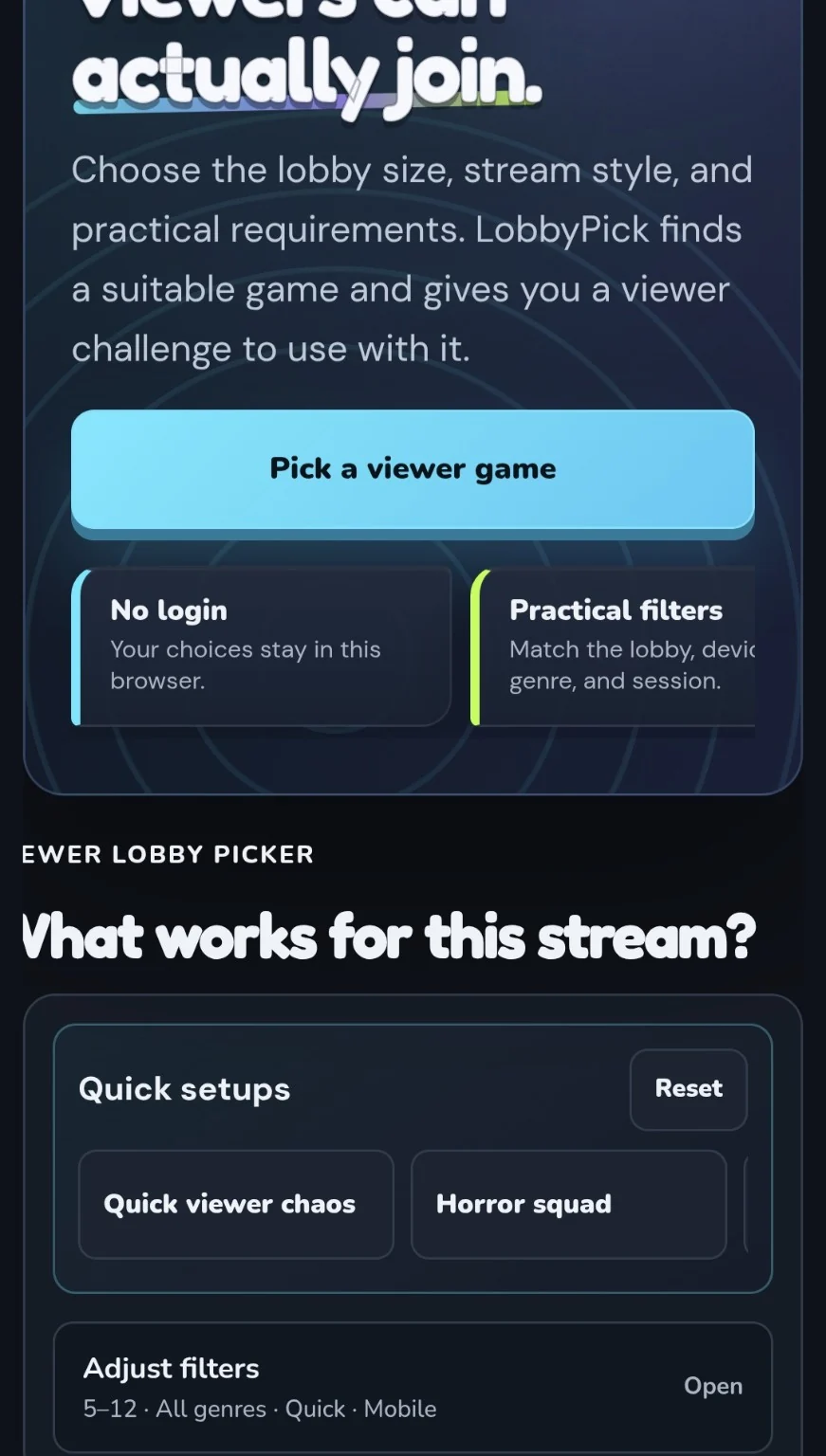
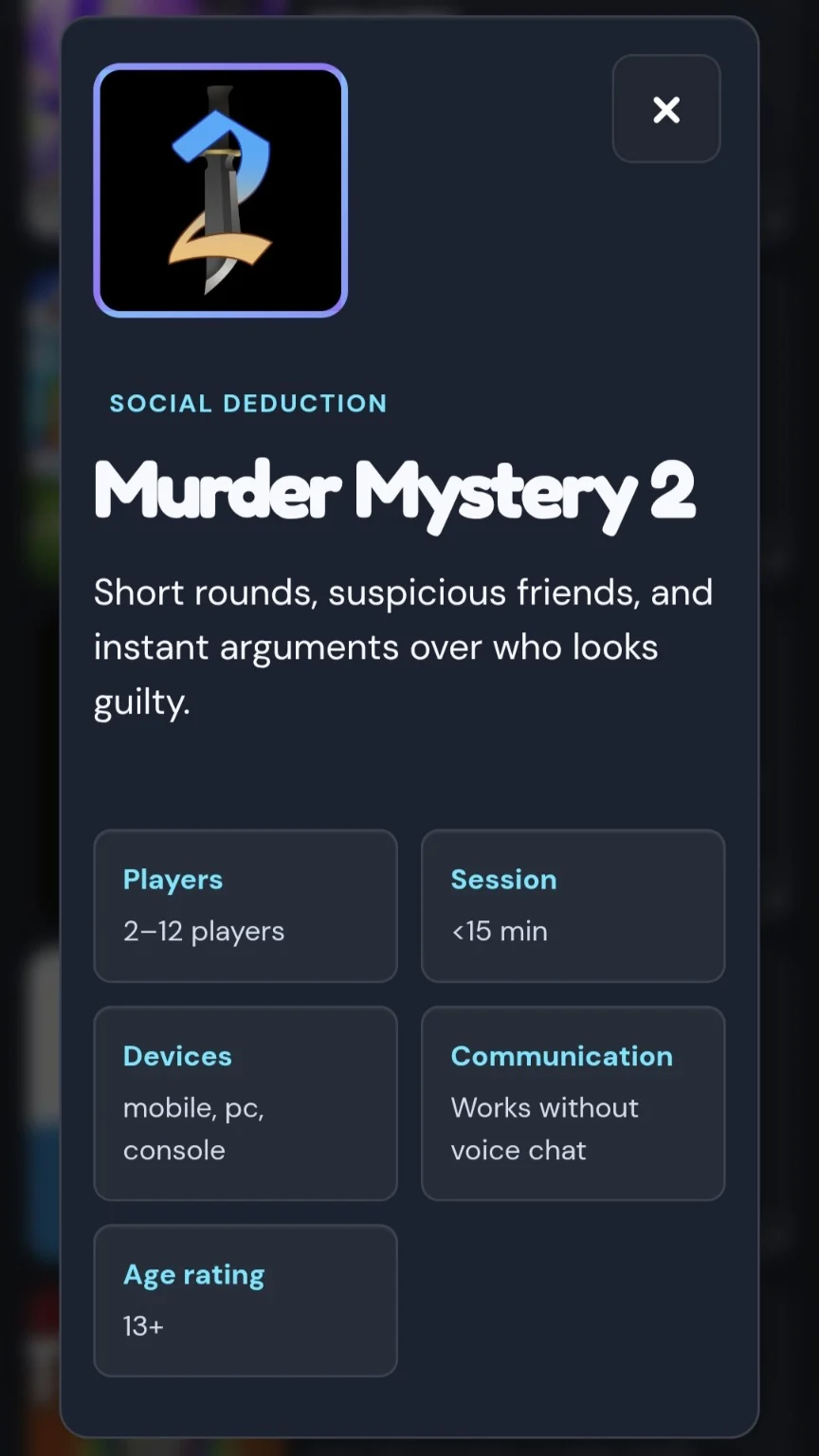
Desktop and mobile views of discovery, filtering, results, and saved picks.
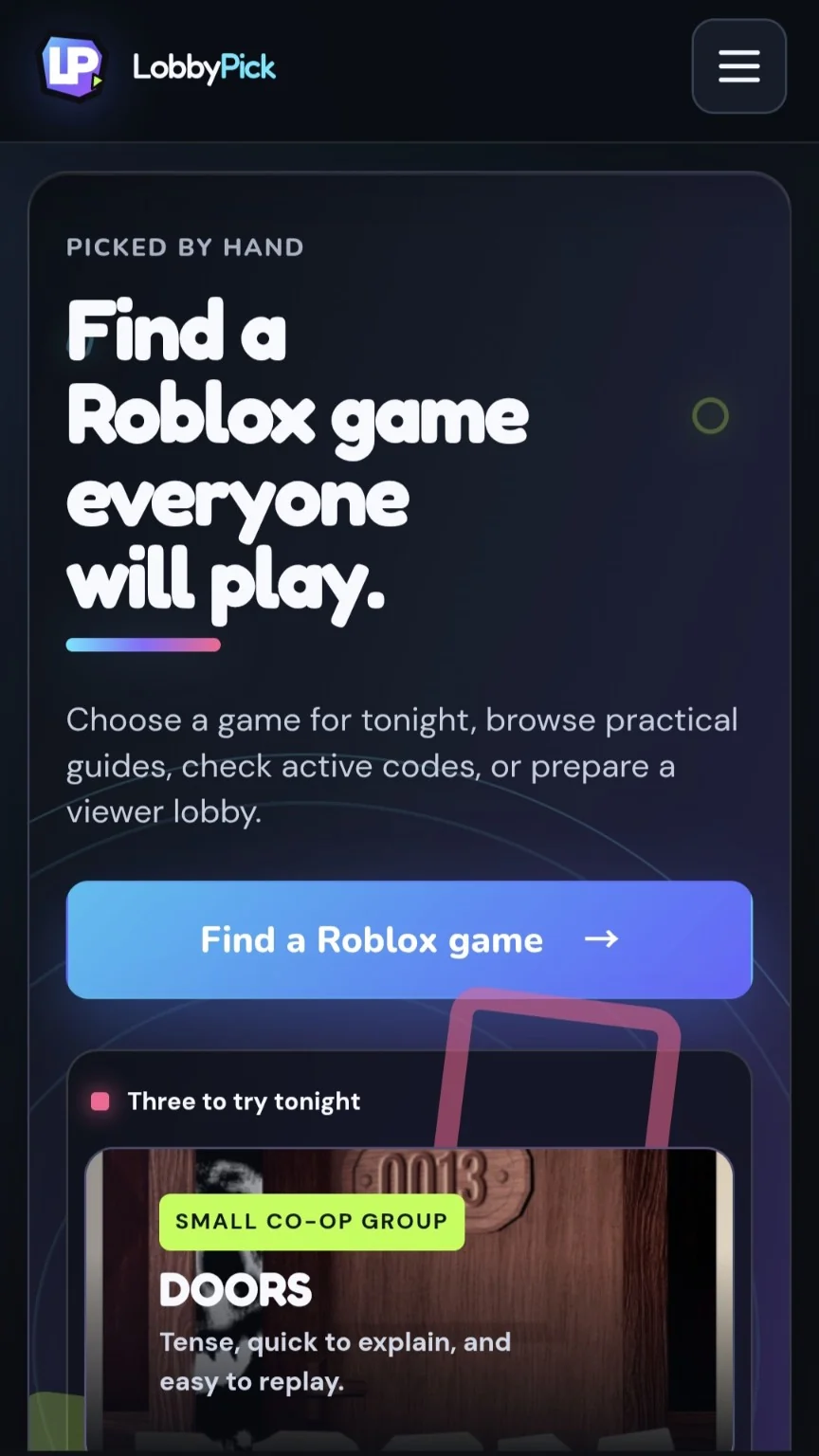
Mobile flow
The same core actions stay usable on a phone without shrinking the desktop layout.
01
02
I check game records, links, filters, responsive layouts, and analytics events as the catalog changes. I also keep correction paths visible so outdated information can be reviewed instead of left in place.
03
Multi-step filters, saved picks, details, sorting, and responsive layouts.
Consistent game records, categories, links, and correction workflows.
Ongoing changes based on usability, maintenance, and mobile testing.